Mini Race Planning Tools
Lineup planners and cash checklists so every crate, race, and garage spend moves you forward.
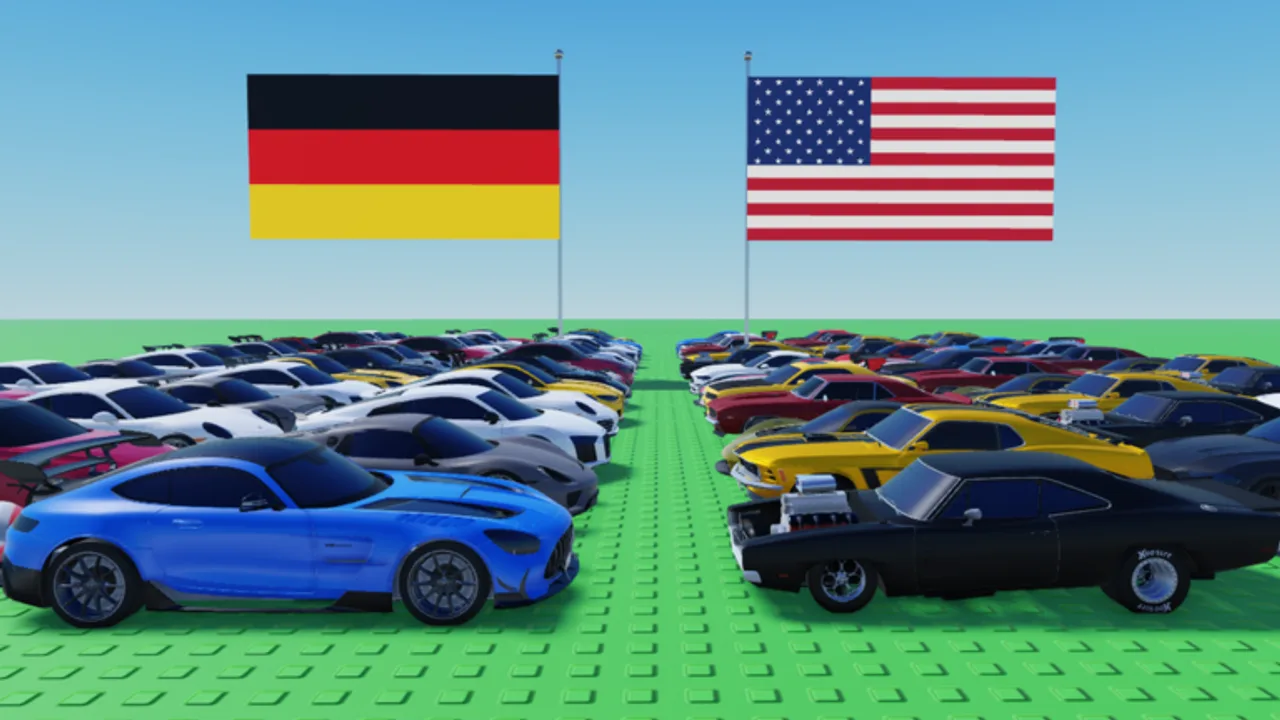
Mini Race rewards players who think one step ahead of the next crate pull. You open crates for cars, park duplicates for cash, fill a garage with buildings from the Auction Garages update, then field a race lineup that can capture circuits and keep offline income flowing while you are away. This Tools Hub exists so you do not have to invent that plan from scratch every session.
Use these pages as lightweight, interactive-style worksheets: read the steps, tick the checklist mentally (or copy it into a note), then jump back into Roblox with a clear order of operations. Nothing here replaces the live game UI—tools on this wiki are decision frameworks built around the same loops LoganTaylor Studios designed into Mini Race [AUCTIONS].
What these tools solve
Most early mistakes in Mini Race are spending mistakes, not racing mistakes. Players burn cash on random buildings before they have a stable starter car, or they race with three similar mid-pack cars and wonder why circuit captures stall. Others hoard gems forever while the RELEASE code and early crate economy could have funded a cleaner garage footprint.
The wiki tools focus on two choke points:
- Lineup planning — choosing who starts, who bridges the mid race, and who anchors the finish.
- Cash and gem goals — deciding what to buy first so offline circuit income and auction progress compound.
If you are brand new, skim the Getting Started guide first, claim active codes, then return here before your next big spend. If you already own a few cars, jump straight to the planners and cross-check picks against the tier list and the Cars hub.
Tool pages on this hub
Lineup Planner
A text-first planner that walks you through starter / mid / anchor roles for a race lineup. You will learn how to balance reliability versus burst, when a duplicate is better sold than forced into a slot, and how circuit capture goals should change which car sits in each role. The page ends with a repeatable checklist you can run before every session.
Cash Goals Checklist
A spending priority tool for cash and gems. It ranks crates, garage buildings, circuit pressure, and auction-related upgrades so you stop impulse-buying cosmetics or low-value fillers when your offline income still depends on a weak capture roster. Use it after redeeming codes and after every major update note on the Updates hub.
10-Minute Session Checklist
A timed micro-loop for short logins: codes and group claims, circuit defense, fodder sells, one intentional race or spend, then log off with offline cash running. Use it when you cannot run a full garage night but still want the account to compound.
How to use the hub in a normal play session
Treat each visit to Mini Race as a short loop:
- Bank free currency — Redeem anything listed on Codes (the RELEASE code is the early cash-and-gems kickstart many players miss).
- Audit the garage — Note empty building slots from the September 2026 Auction Garages wave (60+ buildings in the update pool) and whether you are still missing core utility structures.
- Open a limited number of crates — Pull with a purpose: fill a missing role, not “open until bored.”
- Rebuild the lineup — Open the Lineup Planner and assign starter, mid, and anchor before you queue a race.
- Set a cash goal — Use Cash Goals to pick one primary purchase (crate budget, building, or circuit push) for the session.
- Race and capture — Field the lineup, contest circuits, then leave cars working for offline cash.
- Sell smart — Dump true duplicates only after you confirm they are not a better fit for a role you currently fill with a weaker car. Cross-check names on Cars and rankings on the tier list.
Running that loop keeps the wiki tools connected to real progress instead of becoming unread articles.
Why lineup and cash tools belong together
Lineups and wallets are the same problem viewed from two angles. A stronger anchor car is useless if you never capture the circuit that pays for the next crate. A full garage of buildings underperforms if your race order cannot hold a lead long enough to secure territory. Planning both in the same hub makes those tradeoffs visible.
When Auction Garages content expands the building catalog, cash goals shift toward structures that multiply collection or auction throughput. When a new crate season introduces faster cars, the lineup planner should pull those cars into mid or anchor slots only if they actually improve capture consistency—not because they look rare. Always read the latest notes on Updates before locking a long-term spend plan.
Pairing tools with the rest of the wiki
- Guides — Getting Started covers first-hour actions; tools refine what you do after the tutorial ends.
- Codes — Free cash and gems change which cash-goal tier you can reach today.
- Tier list — Role advice here should agree with current strength rankings; if they diverge, trust fresh patch notes and re-test in races.
- Cars — Detailed car and building notes live under Cars; tools tell you when to use them.
- Links — Official Roblox destinations and group channels sit on the Links hub if you need developer announcements.
Quality bar for using these checklists
Do not treat any planner as a permanent meta bible. Mini Race is a live Roblox experience: crate odds, building prices, and circuit contest rules can shift with studio updates. Re-run the lineup checklist after you pull a standout car. Re-run the cash checklist after you unlock a new garage tier or after a major patch listed on Updates.
If a tip on this hub conflicts with something you see in-game, trust the live client, then come back and adjust your notes. This is an unofficial fan wiki—tools are here to shorten decision time, not to invent currency that does not exist.
Suggested reading order
New collectors: Codes → Getting Started → Cash Goals → Lineup Planner → Tier List.
Returning players after the Auction Garages update: Updates → Cash Goals → Lineup Planner → Cars.
Players stuck on offline income: Lineup Planner (fix weak roles) → Cash Goals (fund the missing role) → Circuits via racing, then reassess.
Short on time: open the Session Checklist and run the ten-minute order before inventing a new plan.
Bookmark this Tools Hub and keep the child planners one click away. A three-minute checklist before you spend is almost always cheaper than undoing a bad garage purchase.
Frequently Asked Questions
Quick answers to the most common questions.
Are these Mini Race tools real calculators?
They are structured planning checklists and role frameworks you follow in text form. Use them beside the live Roblox UI to decide lineups and spends—they do not inject scripts or automate the game.
Which tool should I open first?
If you only have ten minutes, use the Session Checklist. If you lack a clear race order, start with the Lineup Planner. If you keep wasting currency, start with Cash Goals after claiming codes.
Do the tools replace the tier list?
No. Use the tier list for relative strength, then place those cars into starter, mid, and anchor roles with the lineup planner.
How often should I revisit cash goals?
After redeeming codes, after a big crate session, and whenever Updates change buildings, auctions, or economy values—especially post Auction Garages patches.