Mini Race 10-Minute Session Checklist
Run a complete Mini Race loop in ten minutes without auction tilt or menu wandering.
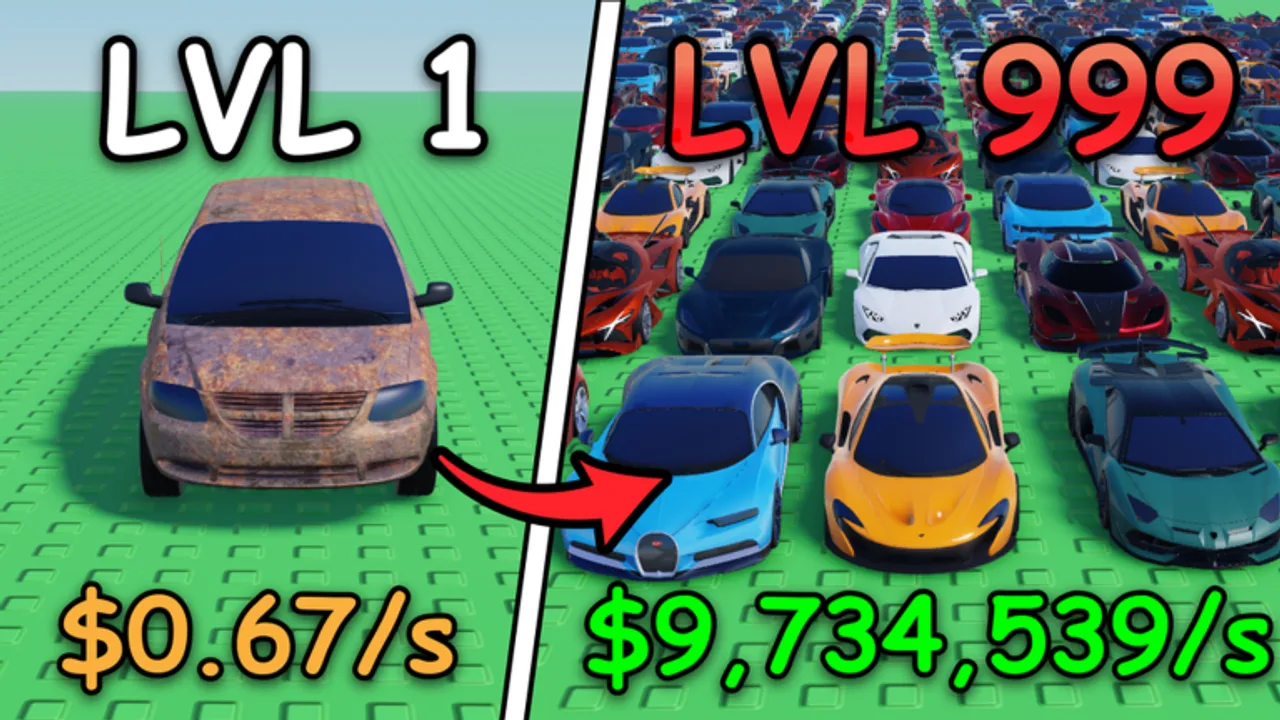
Not every Mini Race [AUCTIONS] login can be a long garage night. This Tools page is a ten-minute session checklist you can run on PC or mobile when homework, work, or life only leaves a short window. Follow the steps in order. Skip optional branches on purpose. The goal is a complete micro-loop: free currency secured, map checked, inventory slightly cleaner, one intentional competitive or economy action, offline income left running.
Parent hub: Tools. Pair spending detail with Cash Goals and role detail with the Lineup Planner.
Why a timed checklist works
LoganTaylor Studios’ loop — crates, cars, garages, race lineups, circuit captures, duplicate sales — invites infinite tinkering. Short sessions without a script become random button presses: one auction glance, one half crate, one loss, logout with zero circuits checked. A timer forces priority. Ten minutes is enough to keep an account compounding and short enough to protect focus after school or between tasks.
Use a phone clock or Roblox session feel. When the timer ends, stop — even if the shop still sparkles with 60+ buildings from the Auction Garages era.
The 10-minute checklist (copy this)
Minute 0–1 — Join and HUD settle Load Mini Race, wait for the HUD, and run the edge scan from Controls: Codes, currency, collection, shop, race send, circuits.
Minute 1–2 — Free currency Redeem anything on Codes (still expect RELEASE when active). Confirm LoganTaylor Studios group membership rewards if a claim button is present.
Minute 2–4 — Circuits first Open the map. Reclaim contested cores. Do not expand unless a reclaim left you with spare seconds and a trivial node — default is defense only. See Circuits and Circuit Cash.
Minute 4–6 — Inventory hygiene Sell obvious fodder only. No deep collection redesign. Follow Sell Duplicates rules: keep race roles, cash extras into a named sink.
Minute 6–9 — One intentional action (pick ONE) Choose a single lane before you tap:
- Race lane: send a prepared starter/mid/anchor sheet at one fair rival (How to Win Races, Lineup Planner).
- Crate lane: open only the pre-budgeted pulls from Crate Strategy, then stop.
- Shop lane: buy one constraint building from Buildings, not a catalog tour.
- GP prep lane: if climbing, do a short practice block only — full pushes need longer sessions (Grand Prix).
Never pick auctions in a ten-minute window unless the bid is already researched and capped from a prior long session (Auction Garages).
Minute 9–10 — Logoff posture Confirm circuits you care about are held. Leave offline income ticking with a named purpose for the payout (“tomorrow crate,” “capacity building,” “GP reserve”). Exit.
Optional 60-second add-ons (only if early steps were instant)
- Skim the newest note on Updates after a patch day.
- Favorite or pin one new race keeper in collection (Cars).
- Write one sentence in your notes: which role failed or which building constraint remains.
If add-ons threaten the timer, skip them. The core checklist beats bonus chores.
What not to do in ten minutes
- Browse the entire 60+ building list “just to look”
- Enter an auction without a pre-set max bid
- Rebuild all three lineup roles after one loss
- Open crates until currency hits zero
- Capture three new circuits you will not defend tonight
- Watch a fake codes video instead of using the in-game panel
- Start a Grand Prix pride spiral when cores are burning
Those behaviors are catalogued in Common Mistakes.
Mobile versus PC timing
After the September 17, 2026 mobile UI improvements, phones can complete this checklist cleanly — but taps misclick more under rush. Prefer Codes and circuit reclaim before rotating into dense shop panels. On PC, resist the urge to open five windows at once; serial focus is still faster.
How this tool connects to longer sessions
Ten-minute runs maintain the account. Longer nights upgrade it. When you finally have forty minutes, keep the same opening (codes → circuits → sells) then extend the intentional lane using Cash Goals or a full lineup rebuild. Do not invent a different religion for long sessions; stretch this one.
New players should still complete Getting Started once so the checklist labels make sense. Returning players after Auction Garages should re-verify button locations on day one, then resume the timer.
Printable priority stack
If you remember nothing else, remember this order:
- Codes / group claim
- Circuit defense
- Fodder sells
- One intentional race or crate or building buy
- Log off with offline cash on
Tracking streaks without spreadsheets
Mark a mental win if you finished the order without auction tilt. Three clean ten-minute streaks usually grow the garage more than one chaotic hour. Visit counts on the live game may sit around the 900K+ range with tens of thousands of favorites — the meta is active — but your personal meta is consistency.
Cross-links
Run the checklist whenever you have ten minutes and Mini Race is already installed. Small disciplined loops beat rare perfect sessions — especially while live-ops continue after the Auction Garages wave.
Frequently Asked Questions
Quick answers to the most common questions.
What is the Mini Race 10-minute session checklist?
A fixed order: settle HUD, redeem codes and group claims, defend circuits, sell fodder, take one intentional race or spend, then log off with offline income running.
Can I open crates and race in the same ten minutes?
Pick one intentional lane. Trying to do both usually creates half actions and skipped circuit defense.
Should I auction in a short session?
Only if you already set a max bid in a prior longer session. Otherwise skip auctions entirely during ten-minute logins.
What if I only have five minutes?
Do codes, circuit reclaim, and logoff posture. Skip crates, shop, and races rather than rushing a bad spend.
How does this relate to Cash Goals and the Lineup Planner?
This checklist chooses the session shape. Cash Goals and the Lineup Planner decide what to buy or which cars to field inside the intentional lane.