How to Redeem Mini Race Codes
Exact HUD steps, mobile tips, and fixes when RELEASE or future promo codes fail to credit rewards.
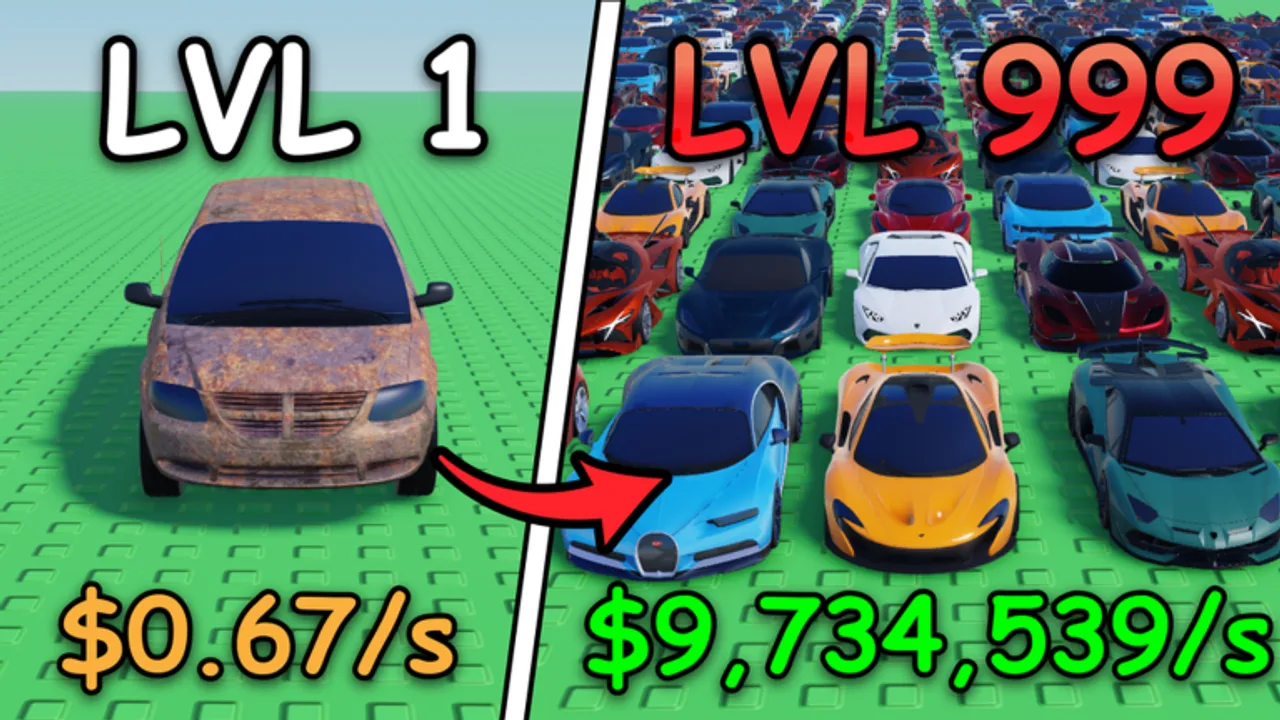
This walkthrough shows how to redeem promo codes in Mini Race [AUCTIONS] on Roblox, including the active RELEASE code for free cash and gems. Use it together with the live list on the Codes Hub. Codes are free progression boosts — they should never require downloads, executors, or account passwords outside Roblox.
Mini Race is a Simulation / Tycoon game by LoganTaylor Studios. You open crates for cars, build garages, race lineups against rivals, capture circuits for offline cash, and sell duplicates. Redeeming early currency shortens the time to your first competitive lineup. If you have not finished onboarding yet, skim Getting Started after you claim rewards so cash and gems go into the right early purchases.
Before you redeem
Confirm these basics:
- You are logged into the correct Roblox account.
- You can join Mini Race [AUCTIONS] (place is live; max six players per server).
- Your client finished loading the main HUD — do not enter codes during the join screen.
- You have the exact code string from the Codes Hub (currently
RELEASE). - You understand rewards are usually one-time per account.
Optional but helpful: open a second tab with the Tier List Hub or Lineup Planner so you already know how you will spend crate pulls after cash arrives.
Desktop redeem steps
- Open Roblox and launch Mini Race [AUCTIONS] from the official experience page.
- Wait until your plot, garage UI, and side HUD buttons are visible.
- Look along the left or right edge of the screen for a Codes, Gift, ticket, or social-style button — Roblox tycoons commonly use one of these labels for promo entry.
- Click the button to open the codes panel.
- Select the text field and type or paste
RELEASEexactly (all caps, no spaces). - Press Redeem, Submit, Claim, or the equivalent confirm control.
- Watch for a success message, then check cash and gem counters on the HUD.
- Close the panel and spend rewards: open crates, buy garage upgrades, or evaluate shop buildings added in the Auction Garages update.
If the codes button is hidden behind another menu, close shop, inventory, or settings overlays first. Some UIs only show the codes control after the tutorial prompt is dismissed.
Mobile and tablet redeem steps
The September 17, 2026 patch improved mobile UI, but small screens can still hide side buttons behind safe areas or chat.
- Join Mini Race on the Roblox mobile app.
- Rotate to landscape if buttons feel cramped in portrait.
- Tap the Codes / Gift control on the HUD. If you cannot see it, collapse chat and zoom out slightly with pinch gestures where the experience allows camera control.
- Tap the input box, then paste
RELEASEfrom your clipboard to avoid typos. - Confirm redeem and wait for the toast before leaving the server.
- Verify balances updated, then continue the crate and garage loop described in the Guides Hub.
If paste fails on mobile, type carefully and double-check capitalization. A single lowercase letter can cause a false “invalid code” result on case-sensitive systems.
What success looks like
A successful redeem typically shows:
- A green or positive confirmation toast naming the code or reward
- Immediate increases to cash and gem displays
- The same code refusing a second redeem with an “already redeemed” style message
After success, prioritize progression actions that compound: open crates, sort cars using Players Cars and car tier rankings, assign a race lineup, and capture a circuit for offline cash. Selling obvious duplicates funds the next crate without burning gems.
Troubleshooting: code will not redeem
Work through these fixes in order.
1. Typo or formatting
Retype the code manually. Remove spaces before or after the string. Do not add punctuation. RELEASE must match the working table on the Codes Hub.
2. Already redeemed
If the UI says you already claimed the code, you will not receive rewards again on that account. Check whether cash and gems were already added earlier in the session or on a previous day.
3. Wrong game or private server quirks
Confirm you are in Mini Race [AUCTIONS] by LoganTaylor Studios, not a similarly named racing experience. Public servers are fine; if a private server has a broken UI instance, rejoin a fresh public server and retry.
4. HUD not ready
Leaving the codes panel open during teleport or soft reloads can swallow input. Close all menus, wait five seconds after full load, reopen Codes, and submit once.
5. Temporary Roblox or experience hitch
Network lag can delay reward replication. Stay in the server for a short moment after clicking redeem. If balances never change and the code still shows as unused, rejoin once and try again.
6. Expired or retired code
If a previously working code suddenly fails for everyone, it may have expired. Check the Expired section on the Codes Hub and recent notes on the Updates Hub. We do not currently list expired Mini Race codes, but that section will grow after future rotations.
7. UI covered on mobile
After the mobile UI improvements, most players can reach Codes more easily, but notches and chat can still obscure buttons. Toggle chat off, try landscape, and look for a scrolled HUD strip.
What never to do when redeeming
- Do not download “code generators,”
.exeunlockers, or browser extensions that promise unlimited Mini Race codes. - Do not enter your Roblox password into third-party sites.
- Do not use script executors to “auto redeem” — that violates Roblox rules and risks bans. Read the Scripts Hub for safety context; this wiki does not publish unverified Mini Race scripts.
- Do not share account cookies or session tokens with strangers offering free gems.
Official codes are free text strings. If a reward requires leaving Roblox or installing software, it is not a legitimate Mini Race promo code.
After you redeem: smart spending order
- Crates — convert cash into cars and learn duplicate sell value.
- Garage space — keep enough slots for a flexible race lineup.
- Lineup quality — use the Lineup Planner and Tier List before locking race slots.
- Circuits — capture income nodes so offline cash continues while you are away.
- Shop buildings — evaluate the 60+ buildings from Auction Garages once basic racing income is stable.
- Gems — spend only when a pull or building clearly upgrades your competitive floor.
Cross-check car choices on the Players Hub and keep Official Links handy for the live experience and LoganTaylor Studios group news.
Finding the next code early
New codes often appear with launches, visit milestones, group announcements, and patch days. After any update — especially large ones like Auction Garages — revisit:
- The Roblox game description
- LoganTaylor Studios group shout
- In-game banners
- This wiki’s Codes Hub
When a new code is verified, redeem it with the same HUD flow on this page. Bookmark both hubs so you spend seconds claiming rewards instead of searching mid-session.
Summary
Redeeming Mini Race codes is simple: load a live server, open the Codes panel, enter RELEASE exactly, confirm, and verify cash plus gems. Troubleshoot typos, already-redeemed states, and UI timing before assuming a code is dead. Spend rewards into crates, garages, lineups, and circuits, and ignore any “tool” that demands an executor. For the live working list, return to Codes; for patch context that may add future codes, read Updates.
Frequently Asked Questions
Quick answers to the most common questions.
Where is the Codes button in Mini Race?
Look on the left or right HUD for a Codes, Gift, or social-style icon after the main UI loads. Close overlapping menus if the button is hidden.
Can I redeem RELEASE more than once?
No. Promo codes are typically one redeem per account. A second attempt usually returns an already-redeemed message.
Do Mini Race codes work on mobile?
Yes. Use the same Codes panel on the mobile HUD. Landscape mode and pasted input reduce typos after the mobile UI improvements.
My code says invalid but I typed RELEASE. What now?
Remove spaces, confirm capitalization, rejoin a fresh server, and verify the code is still marked Active on the Codes Hub.
Do I need an executor to redeem Mini Race codes?
No. Official codes are entered in the normal game UI only. Executors are against Roblox rules and can get your account banned.
What should I buy after redeeming cash and gems?
Open early crates, expand garage space, build a race lineup, capture a circuit, then evaluate shop buildings. Save gems for high-impact spends.